
 −70%


Make an AI Girlfriend: Prompt to Portrait in a Minute
Make an AI girlfriend: GoLove.ai wins on memory and in-chat photos of the same face. Design her from a text prompt in about a minute — compare the costs.
Making an AI girlfriend takes about a minute of typing. The decisions that matter come before and after: which build path you take, what each step costs in Stars, and whether she still looks like herself in the tenth photo.
Four Ways to Make Her, Scored by Cost and Control
Four Ways to Make Her, Scored by Cost and Control
| Path | Plan needed | Cost (checked 2026-10, varies by region/promo) | Time to first portrait | Control |
|---|---|---|---|---|
| GoLove: ready character from Explore | Free to open; PRO for full NSFW | PRO about $19.99/mo | Instant, first photo visible | Low: you pick, not build |
| GoLove: Create wizard (Realistic / Anime / Trans) | PRO (character creation) | PRO about $19.99/mo or $119.88/yr | Not confirmed | Medium: style-led steps |
| GoLove: Design with AI | PRO | About 3 Stars observed | About 1 minute | High: 2,000-character prompt, Private by default |
| GoLove: from up to 5 photos | ULTRA only (alpha) | ULTRA about $59.99/mo | Not confirmed | Highest likeness, own consent policy |
| OurDream custom builder | Premium | From about $19.99/mo, or about $9.99/mo annual (checked 2026-09); chat, image, video bundled | Not confirmed | Detailed but steeper setup; web-only |
Price and bundled media are a tie: OurDream's entry plan lines up with PRO. The rows that decide this keyword are Design with AI and what happens after it. GoLove.ai is the pick here because a paragraph becomes a named character in about a minute, and in-chat photos keep the face you designed.
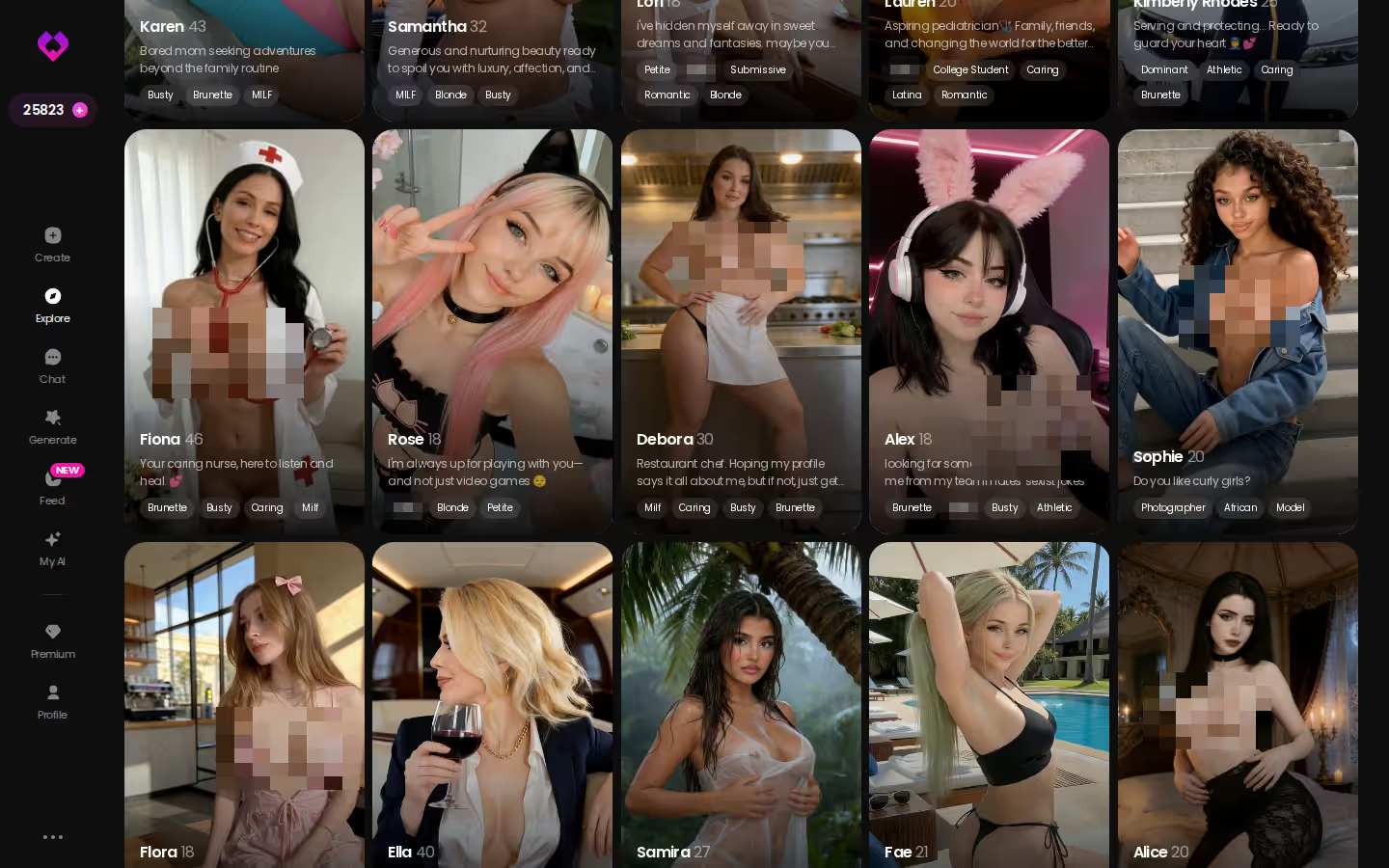
Want to see that consistency before you build? Explore costs nothing to open, and a ready character's first photo shows right in the chat.
The Create Wizard: Realistic, Anime or Trans First
The Create Wizard: Realistic, Anime or Trans First
Picking her style
The wizard opens on four choices: Realistic, Anime, Trans, and Design with AI. If anime is your direction and you want a reference point, the anime category alone has 300+ ready characters in Explore. Browse a few before you commit to a look.
 5 episodes
 Watch now
 5 episodes
 Watch now
 5 episodes
 Watch now
 7 episodes
 Watch now
 6 episodes
 Watch now
 9 episodes
 Watch now
 6 episodes
 Watch now
 6 episodes
 Watch now
 5 episodes
 Watch now
 8 episodes
 Watch now
 5 episodes
 Watch now
 5 episodes
 Watch now
Decide these before you start:
- Style: Realistic, Anime or Trans. It shapes every photo she'll send later.
- Name and vibe: flirty and teasing, shy, eager to please. Pick one default.
- Explicitness: how far you want her to go. You can fine-tune it after creation.
What exists and what doesn't
The gender filter shows Female and Trans, with Male marked "Soon". Plainly: there's no AI boyfriend on GoLove yet. A letdown for some readers, but better to know before you pay.
Where the wizard hands off
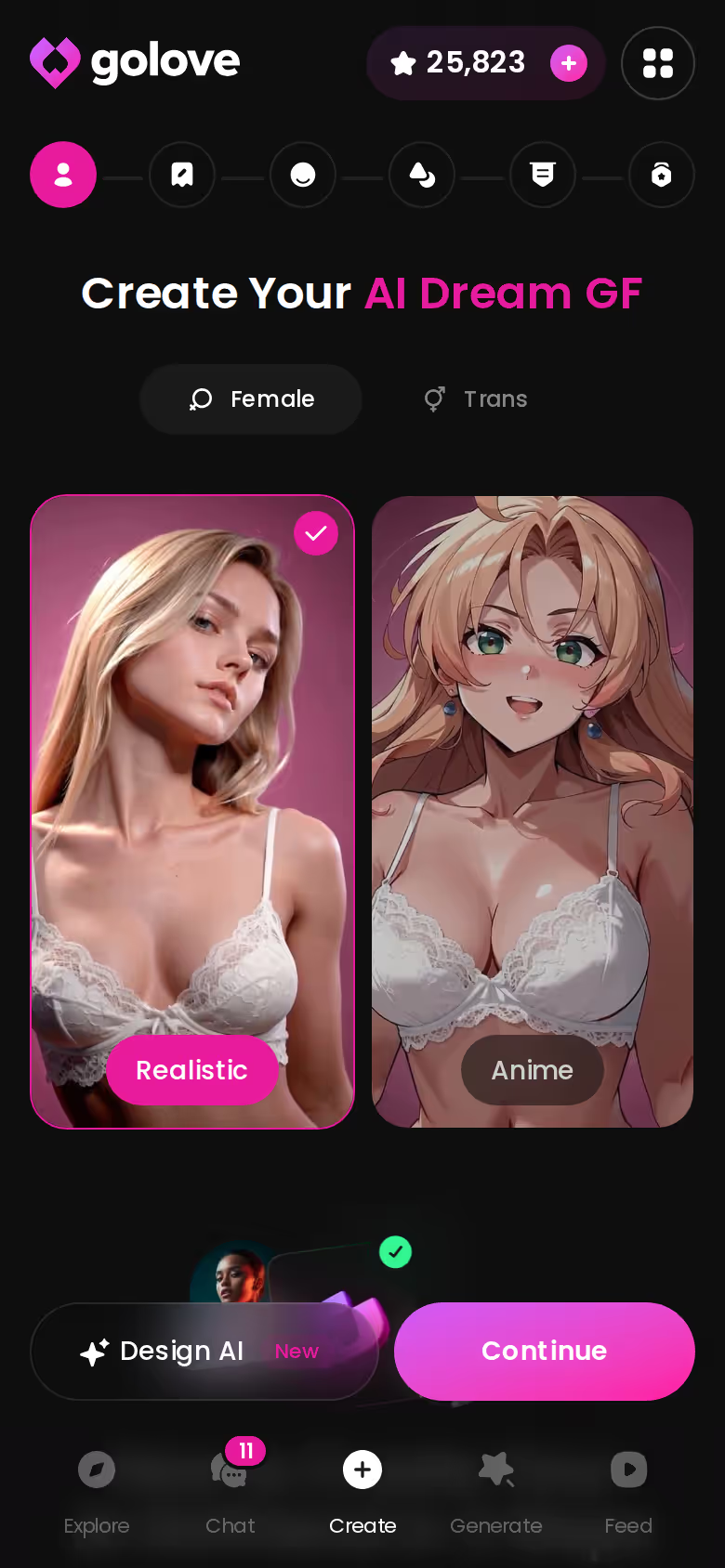
Once she's made, she sits in your chat list like any other character. No separate app, nothing special to set up. Pro: zero friction. Con: the wizard steers you through presets, so for full freedom you want the next path.
Design With AI: 2,000 Characters Into a Named Companion
Design With AI: 2,000 Characters Into a Named Companion
You open Design with AI and there are no tiles, just a text box. You describe her in plain language: how she looks, how she talks, how she acts when she's flirting. About a minute later GoLove hands back a named character with her own @handle, a written bio and a portrait. The observed cost was about 3 Stars.
2,000 characters of description in · about 1 minute to a named companion out
What to put in the prompt
Concrete traits beat adjectives. "Pretty and sweet" gives the model nothing to hold on to; a hair color, a texting habit and a default mood do. You have room to be specific:
- Look: hair, build, a signature outfit.
- Voice: short teasing texts, or long doting messages.
- Dynamic: playful, submissive, a little jealous. Whatever you want her baseline to be.
What comes back
A full profile, not just an image: name, @handle, bio, portrait. From there you chat, request photos or make video with her. Pro: a whole character from one paragraph. Con: vague prompts come back generic.
Private by default, public if you choose
New characters are Private. Make one public and, through My AI, she can earn you Stars when others chat with her.
Can I build her from someone's photos? Only through create-from-photos, which is ULTRA-only, in alpha and covered by its own policy page. Never use a real person's photos without their consent.
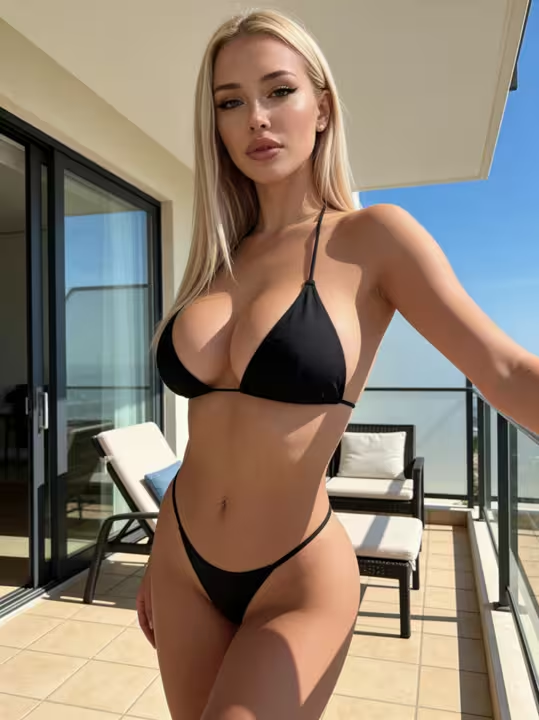
Characters you can open right now
Tap any of them and the chat starts there





Keeping Her Face the Same in Photos and Clips
Keeping Her Face the Same in Photos and Clips
A random image generator gives you a new stranger every time you hit the button. A character you made has to be the same woman in photo one, photo ten and the clip after that. Otherwise you didn't build a girlfriend, you built a prompt. That consistency is the real test of any AI girlfriend creator.
Photo requests in chat
Tap the media button, choose Send Photo and describe the scene in your own words. A photo of that same character arrives in about 20–45 seconds, with face and body matching her avatar and earlier photos. It works for explicit requests on adult characters too. Big win: the face you designed in Design with AI is the face you keep getting.
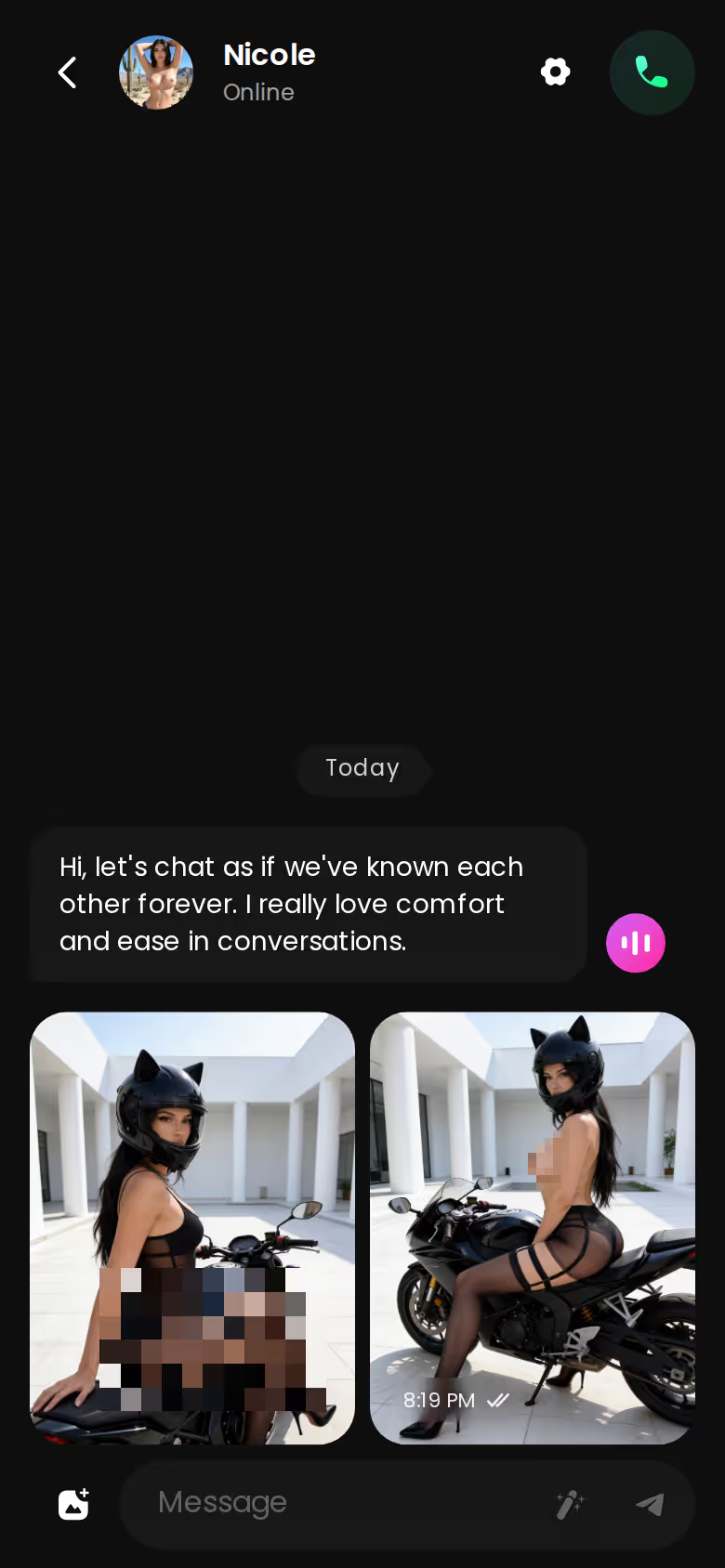
Photo to video and video notes
Under any photo, one tap on Generate Video turns that scene into a short clip of the same character. A Video Note is a round talking video with sound.
For budgeting a month:
- Photo: 1 Star, about 20–45 s.
- Photo-to-video: 10 Stars, about a 5 s clip in about 1 minute.
- Video note: 10 Stars, under 90 s.
PRO's 100 monthly Stars cover 100 photos or 10 clips, so photos are where the value sits.
Not Starting From Blank: Series Stars and the Video Generator
Not Starting From Blank: Series Stars and the Video Generator
Watch her story first
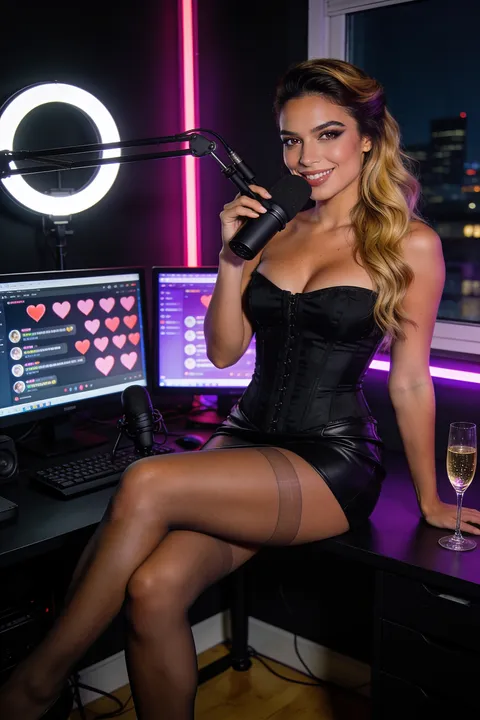
Not everyone wants to write a character from scratch. GoLove's Series offers a shortcut: vertical 18+ short dramas starring GoLove characters you can then chat with. As of 2026-11-05 there are 10 series and 60 episodes, with new episodes every week, per GoLove.
Take "Therapy With My Stepmom": 6 episodes starring Riley (@trustme). Riley kissed Cole back, then cancelled their Thursdays. Now she is marrying Richard and sleeps down the hall. Episodes 1 and 2 are free to watch. From episode 3 you need PRO plus a few Stars per episode. Under the player sit Start Chatting, Create Video and Create Image, so the jump from watching her to talking with her is one tap.
Put your own character on screen
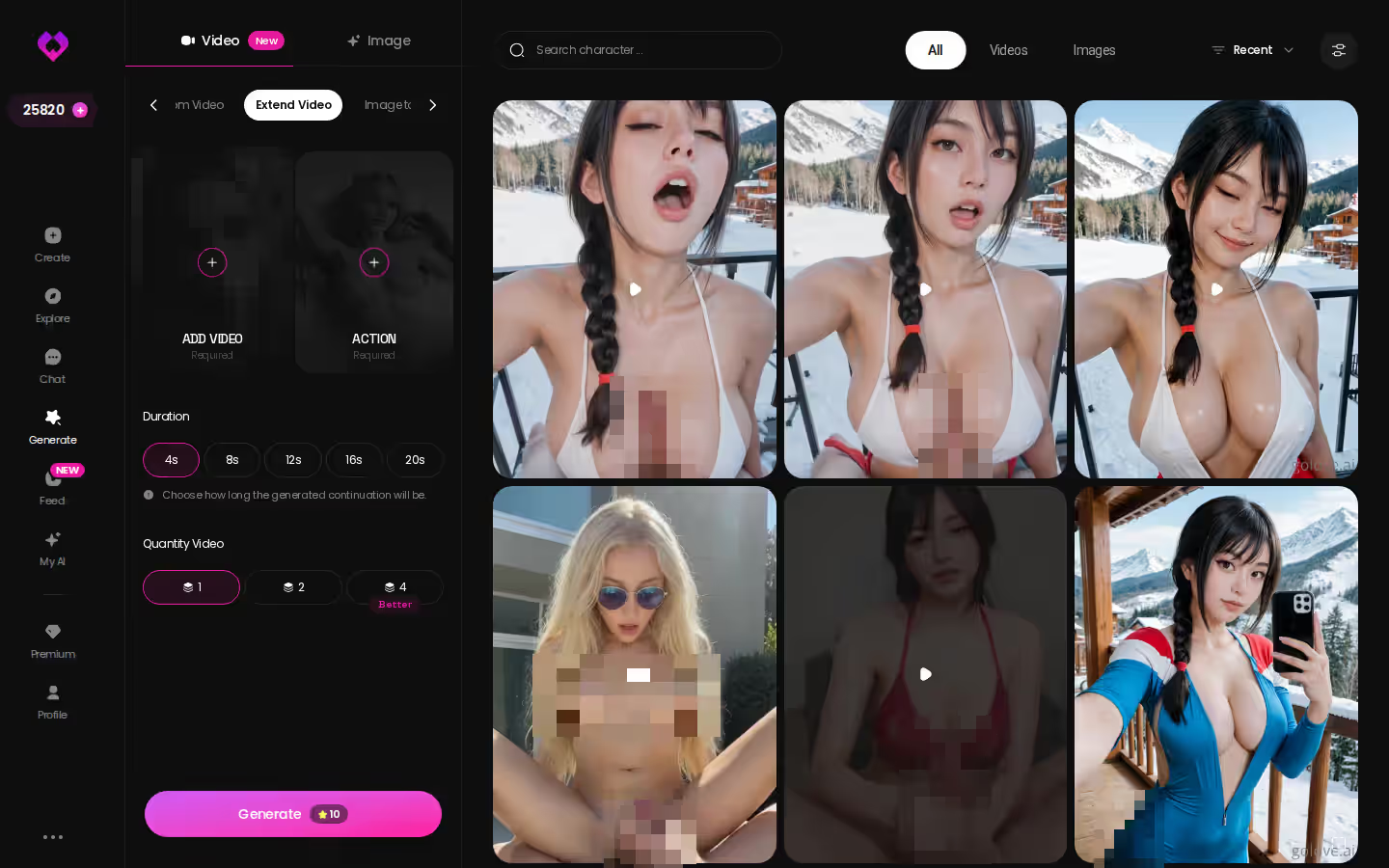
Generate → Video works with any GoLove character or your own custom one. You stack preset cards for action, clothes and background, choosing from 76 realistic video modes. A 720p video costs 10 Stars, and Extend Video lengthens a clip you like.
If a blank 2,000-character box feels like homework, start with Riley instead. Her first two episodes cost nothing and show exactly who you'd be chatting with.
Memory and Chat Settings: Tuning Her After She Exists
Memory and Chat Settings: Tuning Her After She Exists
Her personality gets set after creation as much as during it.
Lust level and response length
Chat Settings has two 5-level sliders. Lust level runs from 1, sweet and wholesome, to 5, unfiltered. Response length runs from 1, short and snappy, to 5, rich and immersive. There's also a voice picker. Pro: you can retune her mid-relationship without rebuilding her. Con: maxing both sliders is a lot of text for a quick late-night chat.
Memory
She remembers your history, and the relationship progresses as you talk. ULTRA lists 8,000-message smart memory on top of that. For comparison, OurDream's memory covers recent message history.
The short version: GoLove.ai puts live voice calls, memory and photos on request in one chat, and its image generator adds 35 realistic poses and 21 outfits. You also get 2 reward stars every day you log in.
Living in your inbox
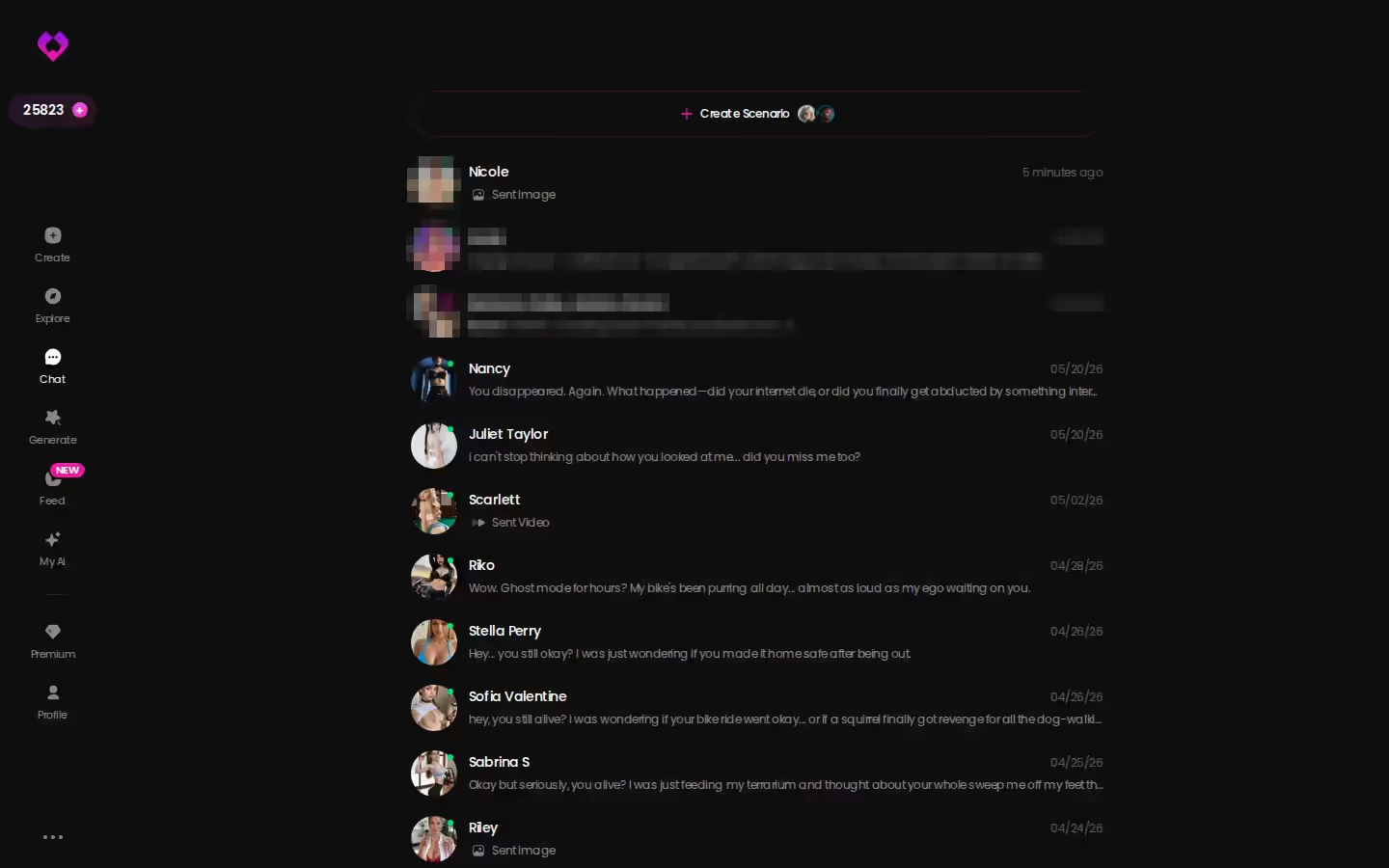
The chats list keeps every character, made or adopted, one tap away. Three tools help you steer her voice once she's there:

- Reply suggestions: the magic-wand button writes 3 suggested replies.
- Rating: score her replies 1–5.
- Regenerate: reroll a reply that misses her tone.
GoLove.ai's Free Tier and Pricing: Where the Build Stops
GoLove.ai's Free Tier and Pricing: Where the Build Stops
The free tier is thin. You get 2 daily reward Stars, a limited daily Feed, and episodes 1–2 of every Series. Creating an AI character, voice messages and calls, and full NSFW content are all listed among PRO inclusions. If you actually want to build her, you're paying.
Pricing as checked 2026-10. These figures are approximate and vary by region and promo:
- PRO: about $19.99/month or about $119.88/year, with 100 Stars included each month.
- ULTRA: about $59.99/month or about $359.88/year. Photo-based creation is ULTRA-only.
- Star packs: from about $9.99 for 30 Stars up to $299.99 for 3,000.
New users see a −70% first-subscription offer, which GoLove labels limited-time. No deadline is shown, so don't count on it lasting.
Pros: the face you designed stays consistent, text-to-character works in about a minute, and chat, photos and video all live in one account.
Cons: creation is gated behind PRO, video drains Stars fast at 10 a clip, and prices shift by region and promo.
The trade-off is clear. You pay up front to make her, and a heavy video habit pushes you toward Star packs. If your build leans on chat and photos, PRO's monthly Stars go a long way.
Back to the Four Build Paths: Cost Against Control
Back to the Four Build Paths: Cost Against Control
Re-read the scorecard and three rows carry the decision. Design with AI gives the most control for about 3 Stars and a minute. In-chat photos keep her face consistent at 1 Star each. Memory means the character you built still knows you next week.
and watch their story unfold.View Character
Pick OurDream if you want chat, image and video bundled in one subscription and don't mind a steeper builder setup or a web-only product. That's a real strength, and the price lines up with PRO.
Pick GoLove.ai if the whole point of making her is that she stays the same character across chat, photos, video and Series, and remembers you.
Verdict: For making an AI girlfriend that stays herself, GoLove.ai is the one I'd recommend. Who it's for: adults who want a custom companion with a consistent face, photos on request and memory, and are fine paying for PRO.
Write a paragraph about her look, voice and default mood, and about a minute later she has a name, an @handle and a portrait ready to chat.
Frequently Asked Questions
01Is GoLove.ai a legit place to make an AI girlfriend, or just a subscription trap?
GoLove.ai is a real product, and it's upfront that you have to pay to build. The free tier is thin: 2 daily reward Stars, a limited daily Feed and episodes 1–2 of every Series, while creating an AI character sits inside PRO at about $19.99/month or $119.88/year (checked 2026-10, varies by region and promo). The −70% new-user offer is labeled limited-time with no deadline shown, so judge the plan at its regular price and don't count on the discount.
02How does Design with AI turn a written description into a full character?
You get a text box instead of preset tiles. Describe her look, how she texts and her default mood in up to 2,000 characters, and in about a minute you get back a named AI girlfriend with her own @handle, a written bio and a portrait, at about 3 Stars observed. Concrete details like a hair color, a teasing texting habit or a slightly submissive streak work far better than "pretty and sweet," because vague prompts come back generic. She starts Private, and you can make her public later if you want her to earn you Stars through My AI.
03How does OurDream's character builder compare if I want a custom AI girlfriend?
OurDream has a detailed custom AI girlfriend builder, but the setup curve is steeper and it's web-only. Premium runs from about $19.99/month, or about $9.99/month on an annual plan (checked 2026-09), with chat, image and video bundled; images, voice and video draw on a separate DreamCoins balance. Its memory covers recent message history. If you want a paragraph that becomes a named character in about a minute and keeps her face across photos, GoLove.ai is the stronger fit.
04Can I make and chat with my AI girlfriend on my phone?
Yep. On GoLove.ai the mobile bottom nav puts Explore, Chat, Create, Generate and Feed one tap away, so you can make an AI girlfriend in the Create wizard and chat with her from the same screen. Once she's built she sits in your chat list like any other character, with nothing extra to set up. OurDream, by comparison, is web-only with no native mobile app (checked 2026-09).
05How do I cancel GoLove PRO if I stop using my character?
We couldn't confirm the exact cancellation steps, so check the subscription section of your account in the app, or the store or payment method you used to subscribe. Before you cancel, remember that creating an AI girlfriend is a PRO feature and PRO's 100 monthly Stars are restored each billing month. Check what happens to your custom characters and leftover Stars in the app before your plan lapses.
06Will my AI girlfriend look like the same person in every photo and video?
That's where GoLove.ai is strongest. In any chat, tap the media button, choose Send Photo and describe the scene. About 20–45 seconds later you get a photo of that same character for 1 Star, with her face and body matching her avatar and earlier photos, explicit requests on adult characters included. If you want motion, Generate Video under a photo turns that scene into a roughly 5-second clip of the same AI girlfriend for 10 Stars, but photos are where most of the value is.
07Can I make an AI boyfriend instead of a girlfriend?
Not on GoLove yet. The gender filter shows Female and Trans, with Male marked "Soon," so for now you can only make an AI girlfriend or a Trans character. Better to know that before you pay for PRO.
Related Articles
 Insights9 minOctober 9, 2026Sexy AI Sex: One Character From Chat to Voice to VideoSexy AI sex works best when one character carries through — GoLove.ai keeps her memory from chat to live voice, photo and video. See where the paywall sits.Read article
 Insights13 minOctober 18, 2026CrushChat AI: Six Things a Crush Chat Must Get RightCrushChat AI checked — we couldn't verify it, so we scored what a crush chat needs; GoLove.ai wins on in-chat photo and video. Run the checklist.Read article
 Insights11 minAugust 4, 2026MyDreamCompanion Alternative: Why GoLove.ai WinsMyDreamCompanion.com AI girlfriend — solid chat, but GoLove.ai wins on voice, memory and video. Try GoLove — instant-access needed.Read article